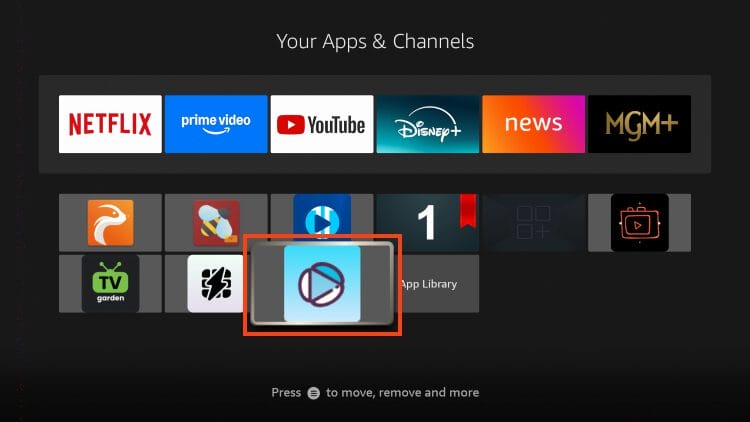
Works on Fire TV Stick 4K, 4K Max, Lite, Google TV Streamer, NVIDIA SHIELD, onn 4K Pro, and all Android TV devices.
- Install the Downloader App from the Amazon App Store (Firestick) or Google Play Store (Android TV).
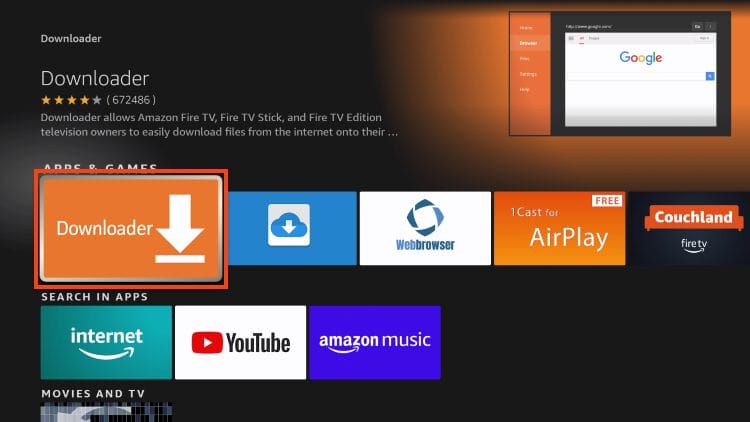
2. Go to your device Settings → My Fire TV (or Device Preferences) → Developer Options and enable Unknown Sources for the Downloader app.
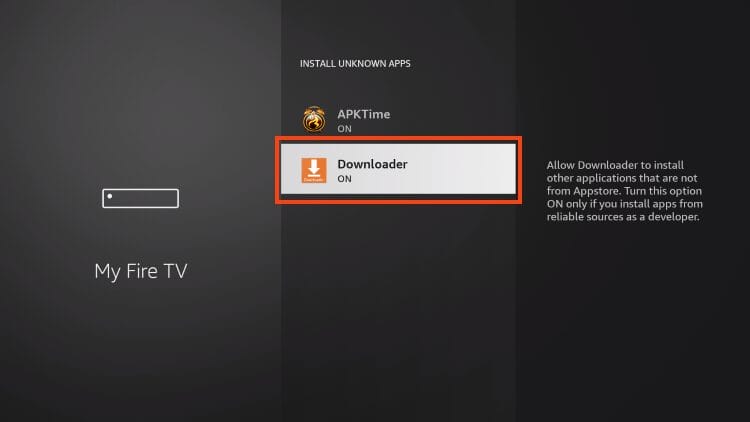
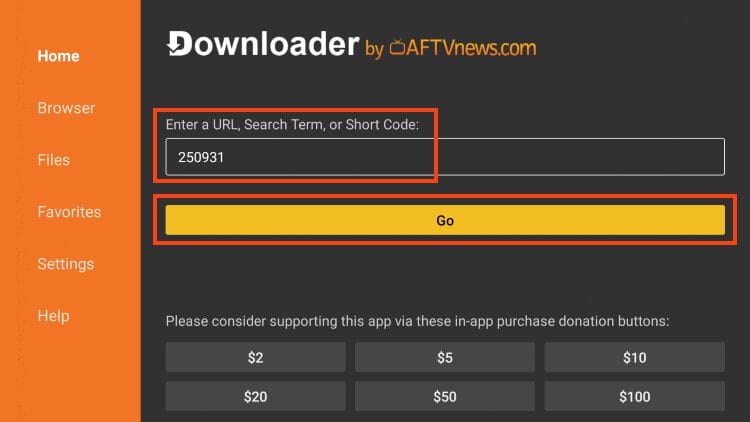
3. Open the Downloader App and select the URL / Code box.
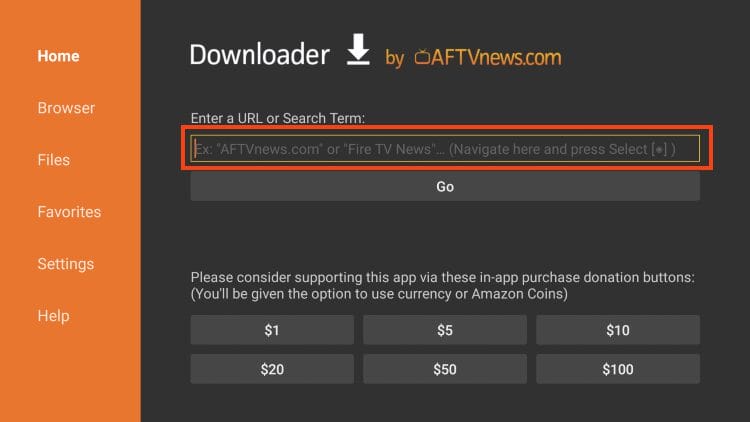
4. Type the code 250931 and press Go. This is the TROYPOINT Toolbox Downloader code.
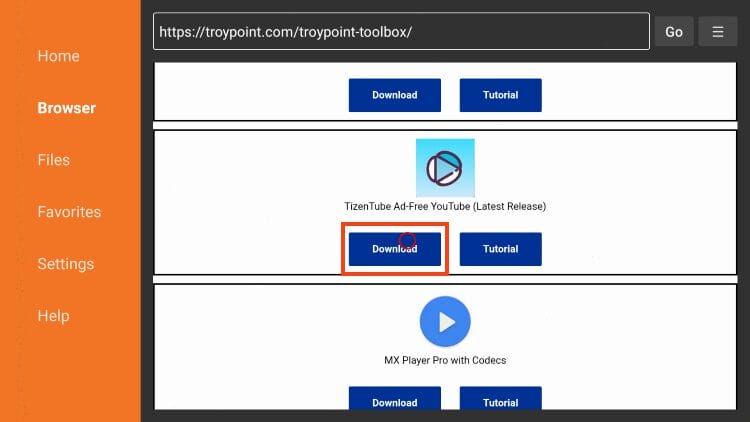
5. In the TROYPOINT Toolbox, scroll down to find TizenTube and select Download.
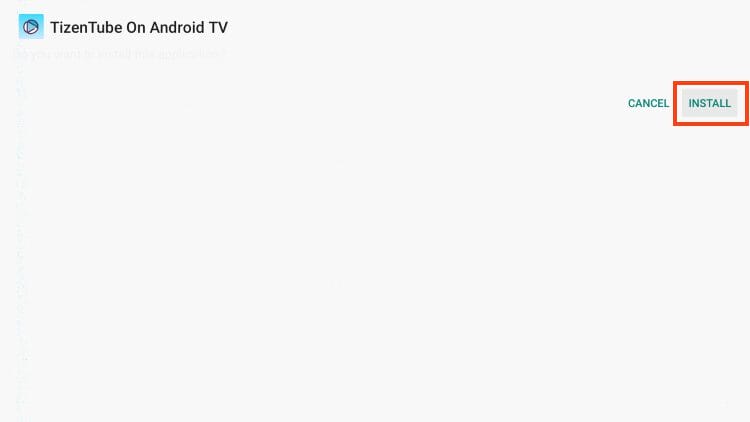
6. When prompted, click Install to begin installing the TizenTube APK.
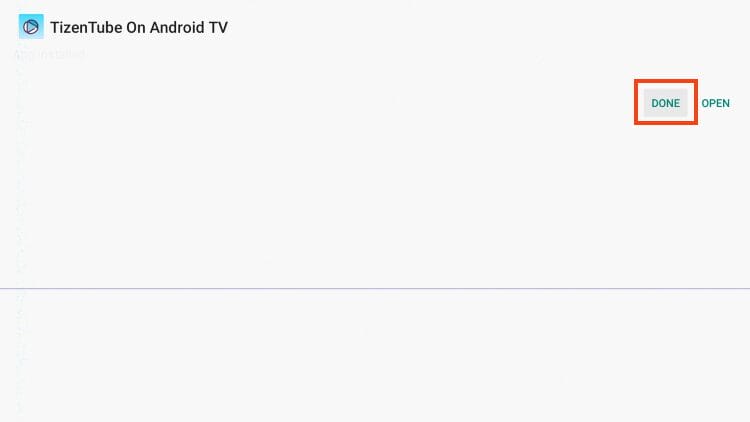
7. Once installation is complete, choose Done.
8. Select Delete to remove the APK installer file.
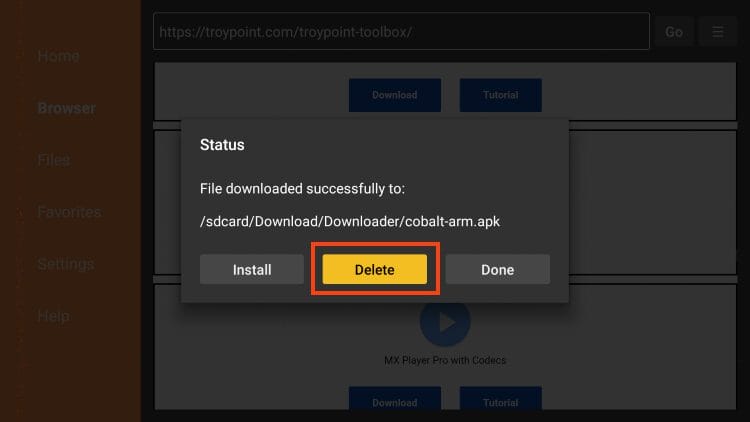
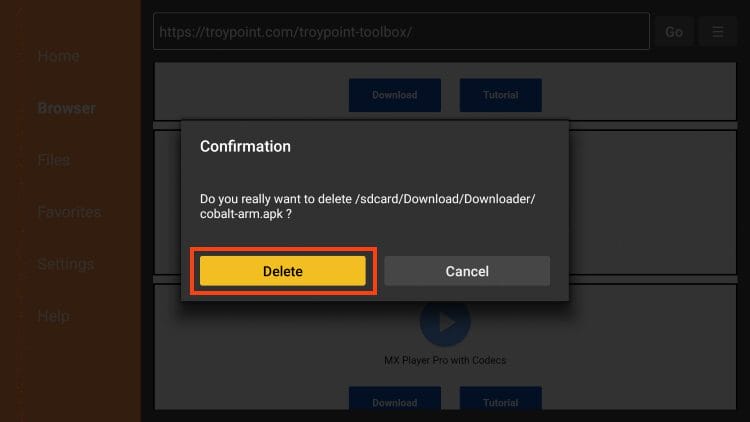
9. Click Delete again to confirm and fully remove the installation file from storage.
10. Return to your Apps list, find TizenTube and launch it. Installation is complete — enjoy ad-free YouTube! 🎉